My first experience of Omarchy
I just want to give it a try!
It was midnight and I was lying in bed when I saw a post from X saying that Omarchy 4.0.0 had just been released. I had never heard of it before, but the glowing comments underneath made me curious. A heavily decorated Arch Linux? That sounded great.
My first look at Omarchy was impressive: a beautiful desktop, an agent-friendly and highly personalized design… I can’t describe how excited I was while watching the intro video from DHH, and I couldn’t wait to install it immediately.
Before Installing
There was one problem. All I own is a MacBook Air M4 (which is stuck with macOS) and an old PC with an outdated NVIDIA GPU. Obviously, there is no driver that will run a modern window manager on it. Anyway, NVIDIA, fuck you!
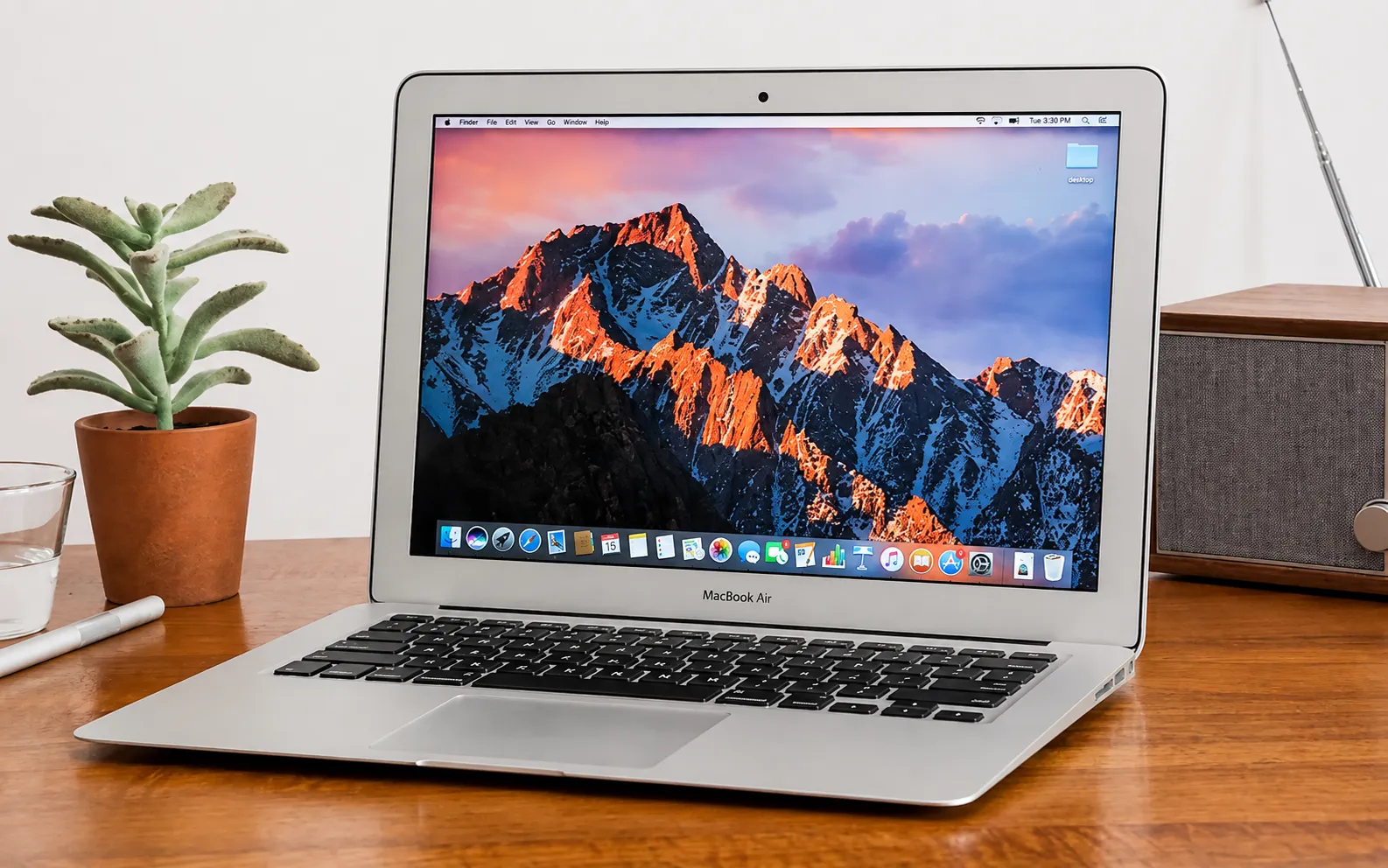
That meant I had to buy a new device to enjoy Omarchy. To be honest, I even thought about picking up a second-hand AMD GPU, but prices are absurd right now. So I turned to Intel MacBooks (x86-64) instead, and in the end I picked up a 13” MacBook Air from 2017 (8GB + 128GB) for just ¥400. 8GB is plenty for Linux to handle everyday work anyway — even the latest MacBook Neo ships with the same numbers. And it turned out I was right.
While Installing
My new “old MacBook” arrived at 9 AM, which meant I had to get up immediately. Thanks to the Omarchy community, I found plenty of write-ups about installing Omarchy on an Intel MacBook, and ChatGPT Live helped a lot too. The whole process went smoothly — it felt like I had dodged every problem listed in the handbook.
It was a milestone for me, because I had never used Linux before. Only then did I finally understand the geek spirit. You build every interface yourself, and you can decorate it however you like. The whole system is under your control, down to the path of every package. That means the computer is truly yours. What a fascinating idea — especially in today’s world of AI, where almost any idea can become reality.
Configuration Process
The most interesting thing about configuring this system is that Omarchy is an AI-native Linux: you can add whatever you want to make your system match your own workflow. This is awesome! Sooner or later, everyone will have to accept that the agent and the OS are the same thing, and that both will be customized for each person. The OS is an agent, and the agent is a service.
In Omarchy, everything can be a plugin, and every change should follow the rule called Omarchy.md (a skill file in the root directory), which the agent reads. I went with Claude Pro, ChatGPT Plus and Grok Premium. On Linux, every TUI app is beautiful and efficient, so I have no reason — and maybe no way — to use desktop apps at all. (Apart from Codex Desktop, by the way.)
For example, I designed a reminder and calendar system to match my iCloud ecosystem. It is wired deep into the clock widget, so it feels like a native feature. Besides what I have mentioned above, I also added monitoring plugins for the fans, the CPU and my AI usage. And of course, I can define my own shortcuts to make the workflow smoother and more personal. Plus, I also added a plugin (called Shortcut Sheet) to the Omarchy Plugins Market.
My Workflow
I’m trying to build a mature, repeatable system for myself. I’ll probably write about my workflow across macOS, iPadOS, iOS and Omarchy (absolutely no Windows) in a future post.
It is worth mentioning that this post was written on Omarchy :)